How to Track Prospects with Crunchbase

4 min read
.svg)


Staying up-to-date on your prospects’ activity can help you determine the perfect time to reach out. The problem is, tracking prospects is no easy task.
Prospect information is scattered across many different sales intelligence tools. Compiling this data to try and determine if a prospect has buying power takes manual research and time that your sales reps don’t have to spare. That’s where Crunchbase comes in.
In this article, find everything you need to know about how to efficiently track your prospects with Crunchbase so you can reach out at the right time with the right message and close more deals.
A crucial part of sales prospecting involves gathering data and personalized insights about your prospects. Modern buyers expect to be wowed with how tailored your outreach is from the very first email. Even if it’s cold outreach.
To find this critical data, the most effective prospectors start their search at the company level using an account-based selling approach. This allows them to better understand company buying power and tailor their outreach to the right decision-maker to address specific needs. For example, a prospect at a company that just raised a small Series A round will have very different needs than a prospect at a company that just went public.
Company-specific information like funding status, leadership hires, recent news, etc., can help you make meaningful connections with prospects that actually turn into deals. In the next sections, we’ll dive into how to find and save the companies you’ve discovered in Crunchbase to a list, and what prospect information you should be tracking.
There are a few different ways you can create prospect lists on Crunchbase. The first is directly from Crunchbase’s company search.
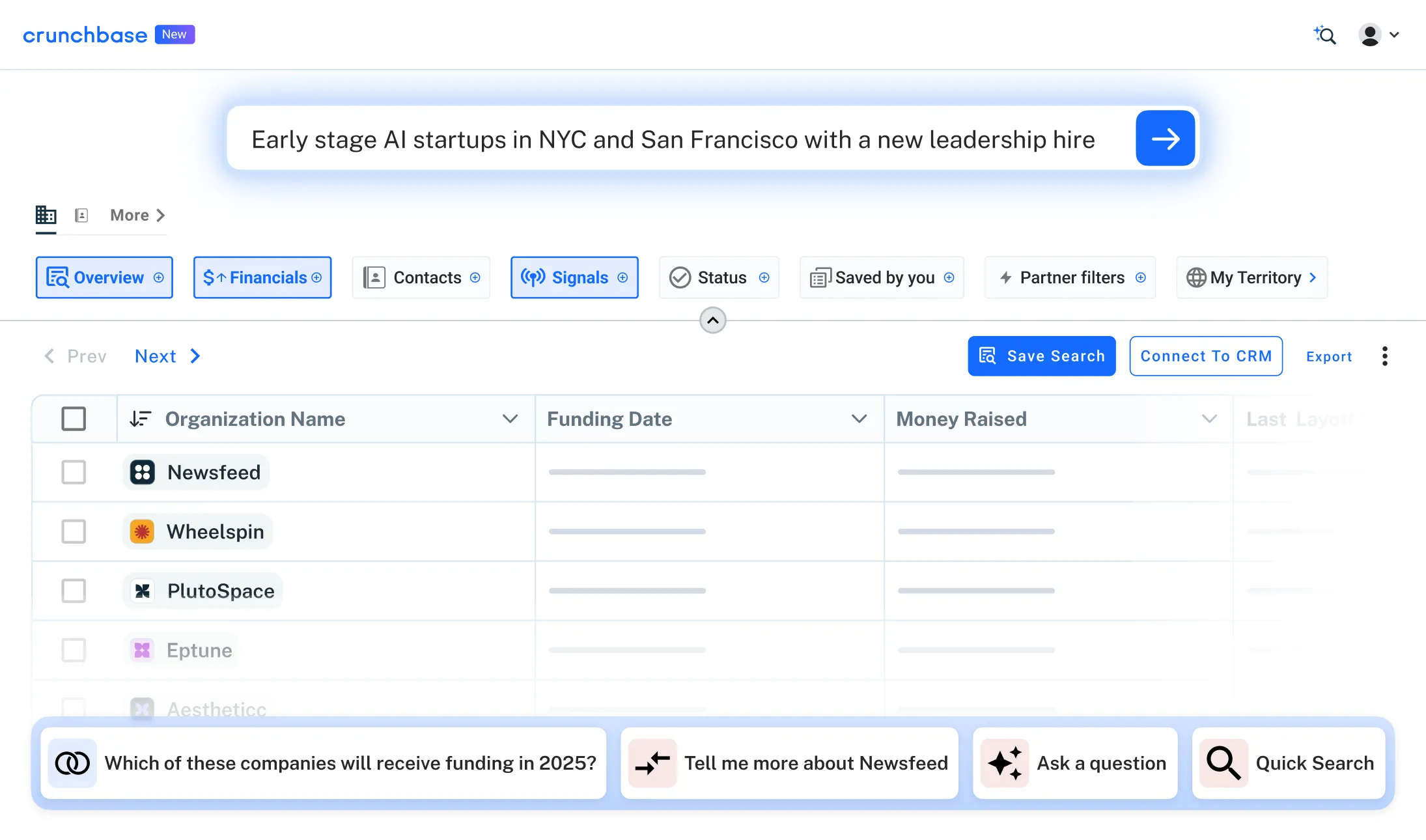
Let’s say your territory includes New York and you’re selling into artificial intelligence companies. Once you’ve narrowed down your search and found your target prospects using Crunchbase’s extensive search filters, your results might look something like this: